Inferred nutrition
Correct calories, protein, carbohydrates, sugar, fiber, fat, and sodium.
 AskFork
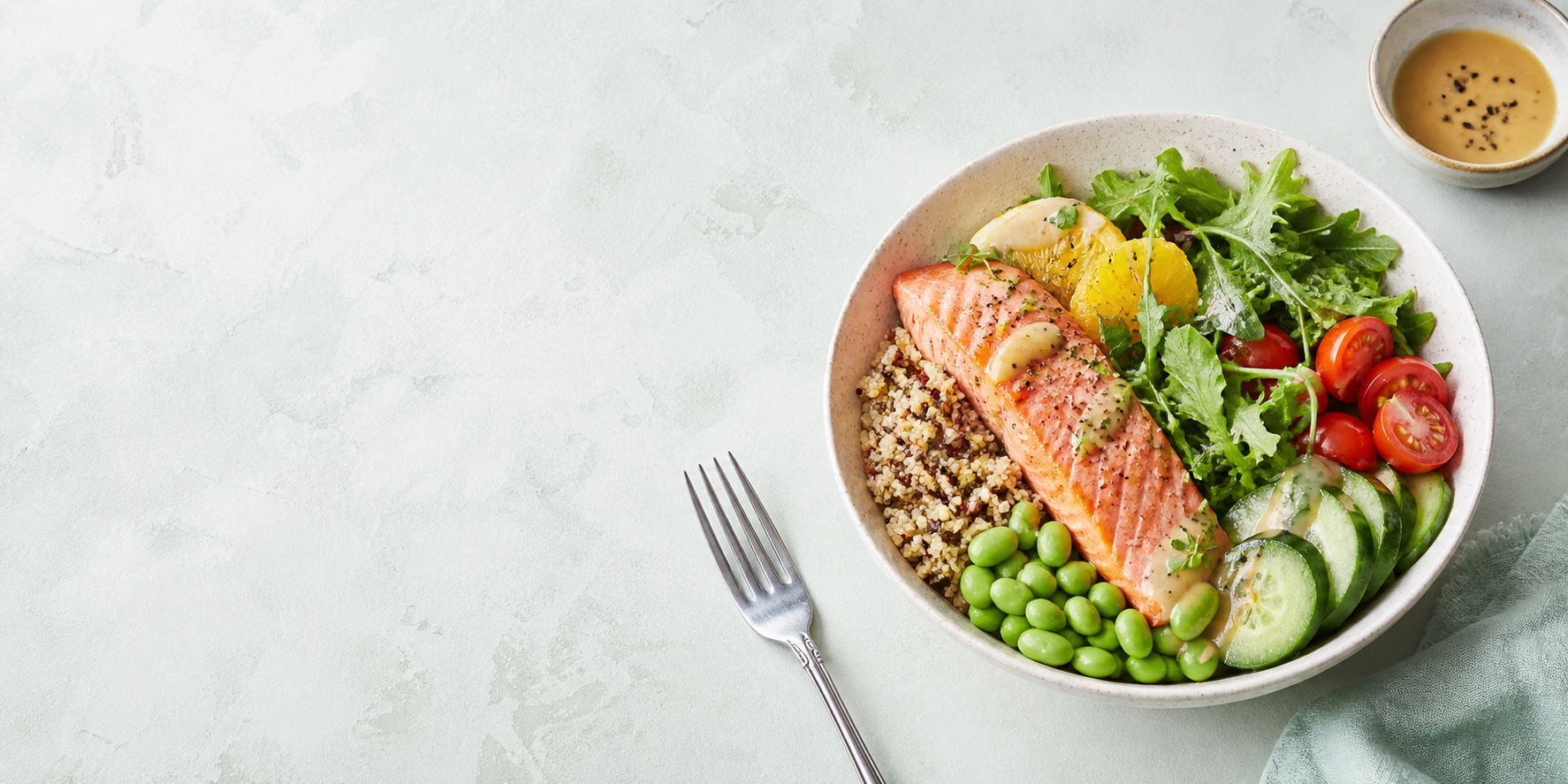
Editable AI calorie tracker for food photos
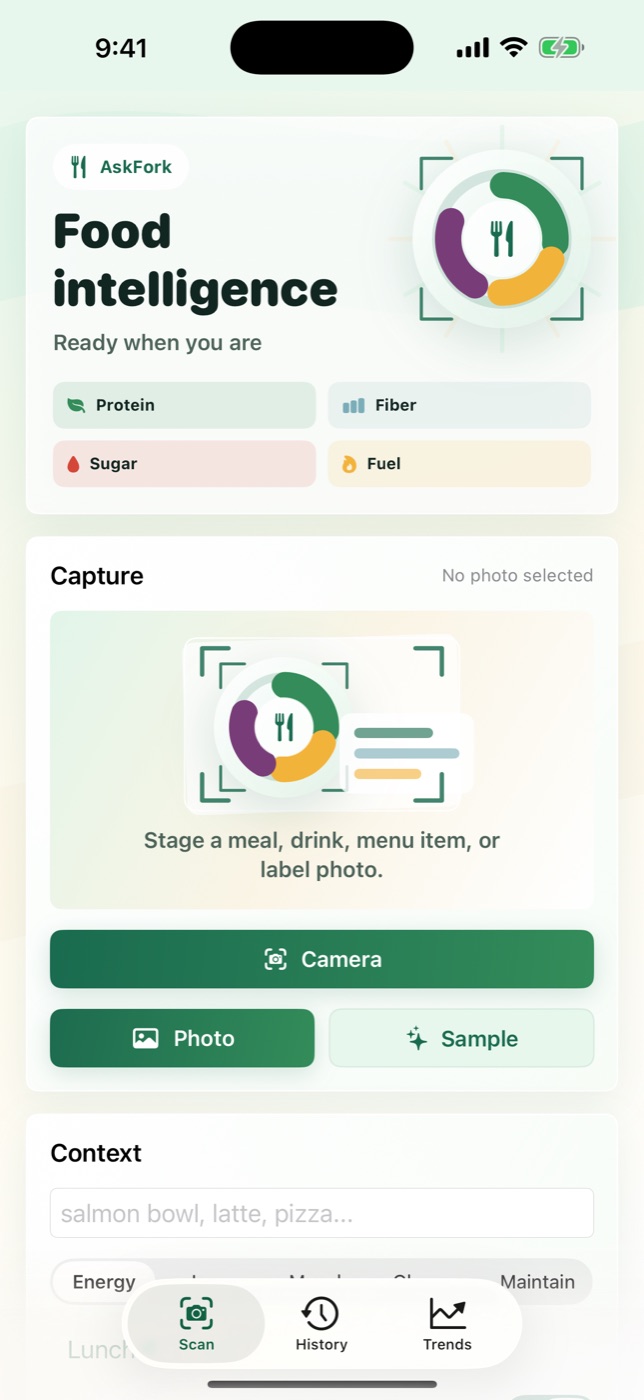
Take or choose a meal photo. With permission, AskFork returns directional estimates for calories, protein, carbs, fat, fiber, sugar, and sodium. Correct inferred nutrition, portion, or ingredients while keeping the original AI estimate frozen and auditable.
One paid download includes all current features. Local App Store price and tax may vary. Nutrition values are estimates, not measurements.
The actual workflow
AskFork is built for inspecting photo-derived estimates and reviewing what you logged. It does not pretend a photo is a food scale or turn estimates into a prescribed calorie budget.
Inspect and Correct
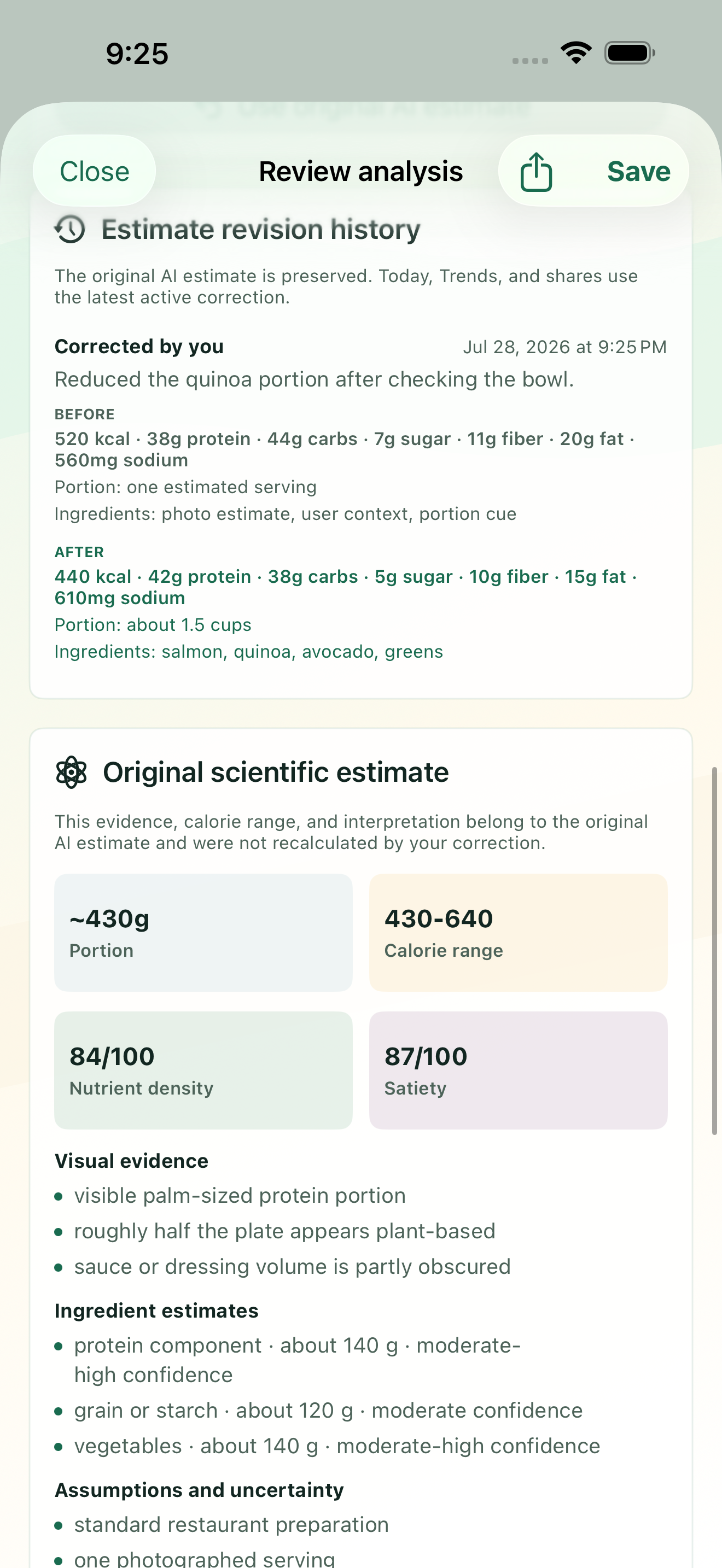
A meal photo can miss hidden ingredients, serving depth, or recipe ratios. AskFork lets you revise the fields you know while preserving the original AI estimate and a complete before-and-after history.
Correct calories, protein, carbohydrates, sugar, fiber, fat, and sodium.
Correct the estimated portion and ingredient list.
Review complete before-and-after values and restore the original estimate.
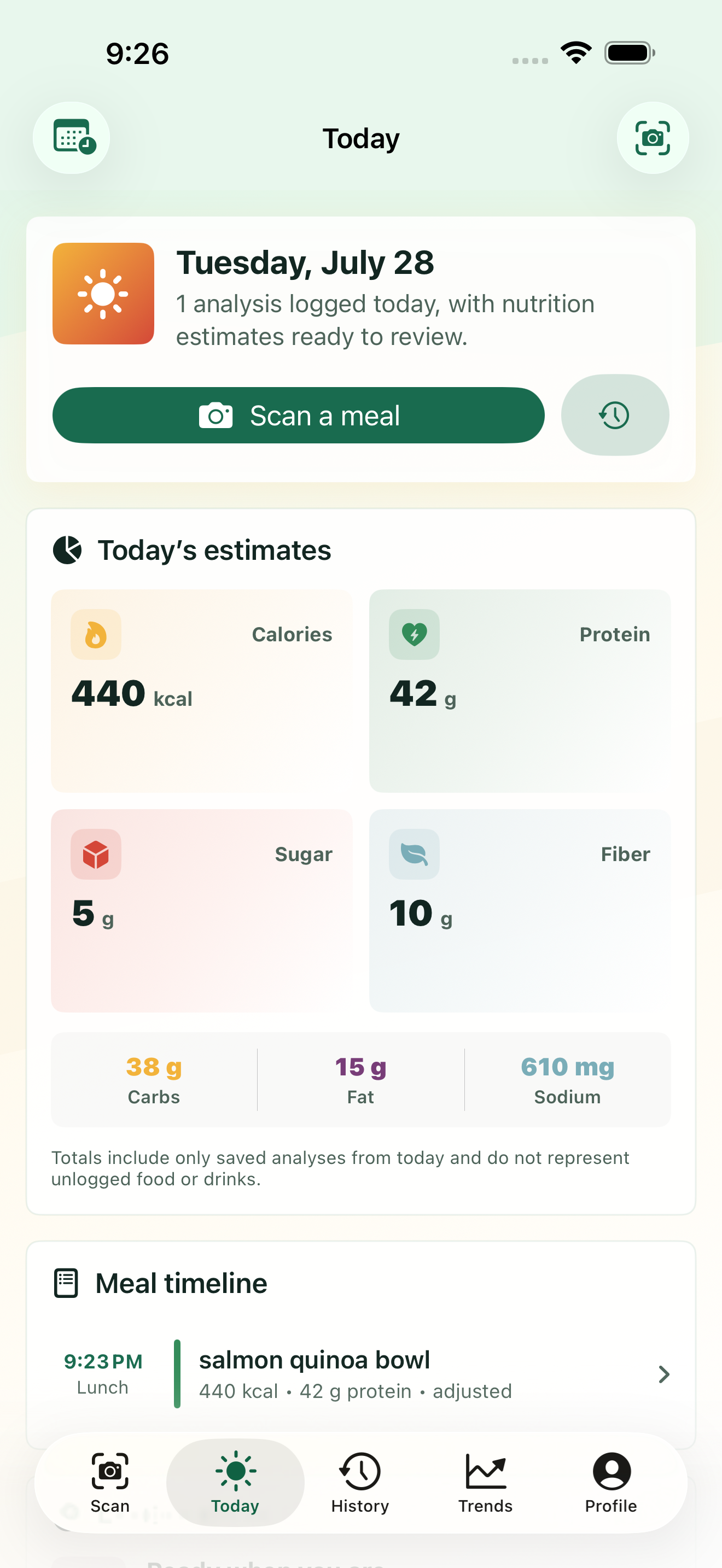
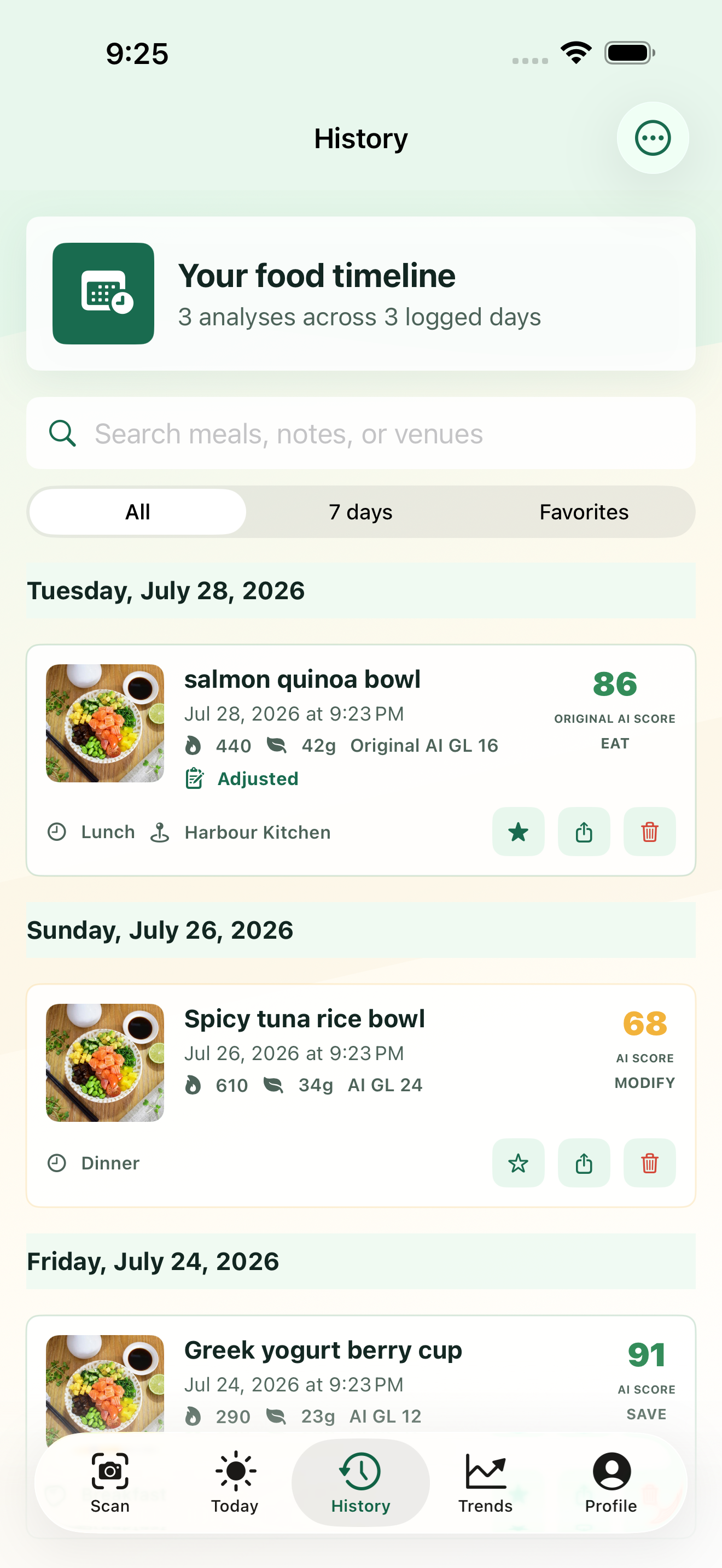
The active correction appears in Today, Analytics, History, and supported share output.
Corrections do not recalculate the original AI recommendation, score, glycemic index, glycemic load, reasoning, or scientific detail. Those fields remain labeled as original AI information.
More context than a single number
Directional energy and protein estimates for the visible meal.
Estimated carbohydrate and fat totals with the meal context visible.
Additional estimated nutrients that can reveal logged patterns over time.
Estimated weight, calorie range, confidence, and serving assumptions.
Saved patterns
Today totals include analyses saved on the current date. Day, week, and month views help compare logged patterns with prior periods, while unlogged foods and drinks remain outside the totals.
Honest limits
Hidden oils, sauces, recipe ratios, and exact portions can materially change the true values. AskFork records photo-derived estimates; it does not measure the meal, prescribe a calorie deficit, predict weight loss, or provide medical advice.
For weighed portions, compare AskFork's exact Metal Gray scale and prep tools. Exact-product reviews and any paid retailer links are labeled on the Picks page.
Before you download
No. AskFork produces directional estimates from visible food and disclosed context. Hidden ingredients, recipe ratios, and exact portions can materially change the true values.
AskFork estimates calories, protein, carbohydrates, fat, fiber, sugar, and sodium, with ranges and assumptions where available.
No. AskFork is currently a US$4.99 paid iPhone download, and no additional subscription is required for the current features. Local App Store pricing and tax may vary.
For every newly selected photo, AskFork asks permission before the image and disclosed meal context are sent through AskFork's server to OpenAI to create an estimate. Saved meal history is stored locally on the device. Read the full privacy policy.
Yes. In AskFork 1.3, you can correct calories, protein, carbohydrates, sugar, fiber, fat, sodium, portion, and ingredients. AskFork keeps the original AI estimate frozen, records a complete before-and-after revision, and lets you restore the original.
No. Recommendation, score, glycemic index, glycemic load, reasoning, and scientific detail are not recalculated. They remain labeled as original AI information.
The active correction appears in Today, Analytics, History, and supported share output. The revision history keeps the prior and current values visible.
Yes. AskFork includes a timestamped history, Today totals from analyses saved that day, and day, week, and month trend views. See the photo diary features.
AskFork for iPhone
One paid download includes all current features. Local price and tax may vary.